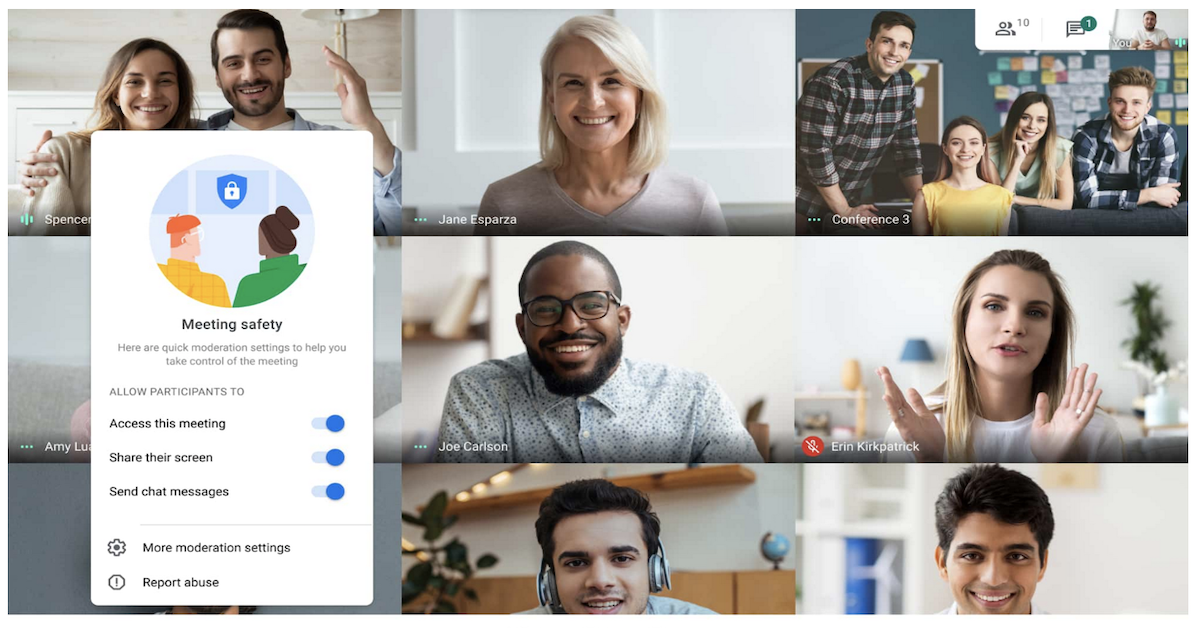
Read about updates to Google G Suite that provide even stronger security in Gmail, Meet, and Chat. Google is also unveiling new ways to help IT admins easily manage and secure devices in the Admin Console. For more information on G Suite and security, contact Willits Technologies, Inc. today.
How does Google protect my account and data every day?
Google builds security and privacy protections directly into your Google Account and every Google product you use. A few examples of how this works in practice:
- Safe Browsing helps protect you from dangerous sites and downloads, and currently protects more than 4 billion devices.
- Gmail uses advanced security filters to block over 100 million phishing attempts every day, helping keep malicious emails out of your inbox.
- Google Play Protect scans more than 100 billion apps every day for malware and other issues before and after you install them.
These protections are guided by three core principles:
- Keeping your information secure with strong, built-in defenses.
- Treating your data responsibly through careful, transparent data practices.
- Putting you in control with tools and settings that let you manage what’s collected and how it’s used.
You can explore and manage many of these protections in the refreshed Safety Center, which brings together information on how Google helps keep you safe across the products you use every day.
What happens if there’s a serious security issue with my Google Account?
When Google detects a serious security issue with your account, the goal is to help you act quickly and confidently.
Here’s how that works:
- Google has been sending high-visibility alerts for critical issues since 2015, including on Android devices. After introducing Android alerts, Google saw a 20x increase in people engaging with security notifications within an hour, compared with email alerts.
- Google is rolling out a redesigned critical alert that appears directly inside the Google app you’re using when a serious issue is detected. You don’t need to check your email or phone notifications separately.
- These new alerts are designed to be resistant to spoofing, so you can be confident the alert is genuinely from Google and not from an attacker.
From there, Google guides you step-by-step to review activity, secure your account, and update settings or passwords as needed. A limited rollout is starting first, with broader availability planned shortly after.
How can I control my privacy with Google Assistant and other Google tools?
Google is working to reimagine how you control your privacy, especially with tools like Google Assistant and Android.
With Google Assistant:
- You’ll be able to use Guest mode on home devices. With a simple voice command, you can turn Guest mode on, and interactions during that time won’t be saved to your Google Account.
- You can turn Guest mode off at any time to return to your full, personalized Assistant experience.
- You can also delete what you said to Assistant using just your voice.
- Assistant now answers more questions about privacy and security on the spot; globally, Google answers more than 3 million privacy and security questions every month.
Across other Google products:
- You’ll soon be able to edit your Location History directly in Timeline by adding or editing places you’ve visited with just a few taps.
- When you search for things like “Is my Google Account secure?”, Google will show your personal security and privacy settings right in Search so you can review and adjust them quickly.
- On Android 11, Google combines differential privacy and federated learning so features like next word prediction in Gboard are trained without your data leaving your device. Smart Replies and emoji suggestions are generated by on-device intelligence, and that data isn’t shared with Gboard or Google.
Together, these updates are designed to reshape how privacy works behind the scenes while giving you clearer, more direct control over your own data.
.png "Willits Technologies, Inc.")



 Sign in with LinkedIn